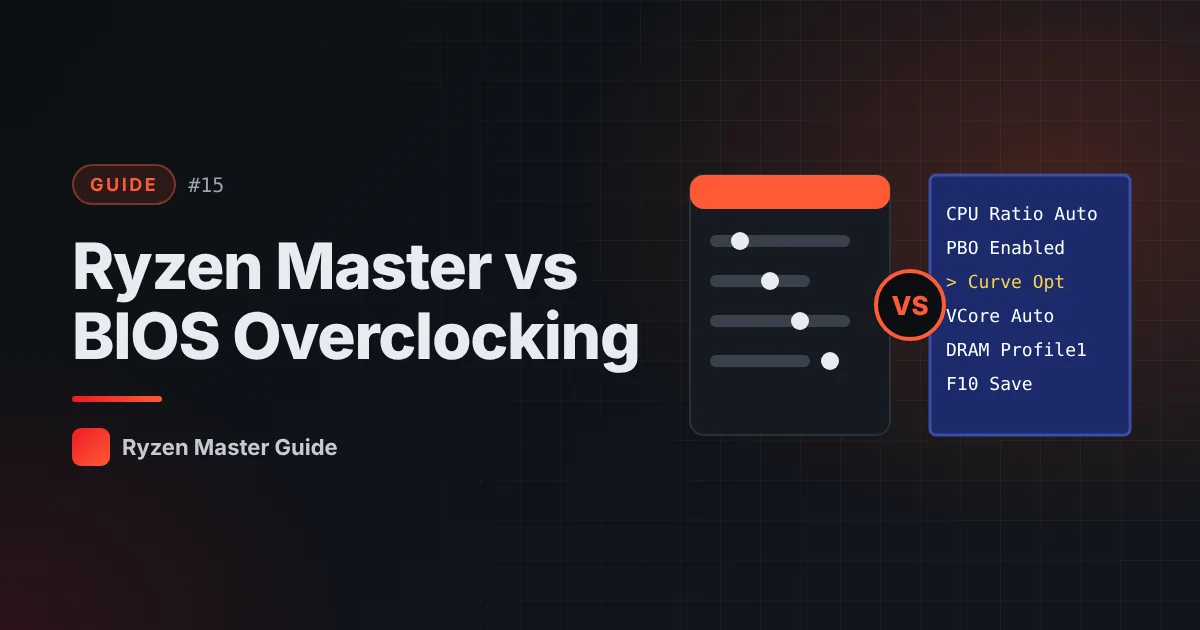
Both Ryzen Master and your motherboard BIOS can change processor settings. Which one should you use? The honest answer: it depends on the feature and your experience.
Ryzen Master: the advantages
- Windows-based interface — no need to reboot into BIOS for every experiment on supported settings
- Live monitoring while you test
- Profiles for different setups
- Friendly for experimentation
BIOS: the advantages
- Firmware-level configuration that applies from boot
- Works regardless of Windows and without extra software running
- Often more options depending on the motherboard
- Commonly preferred for memory settings and finalized configurations
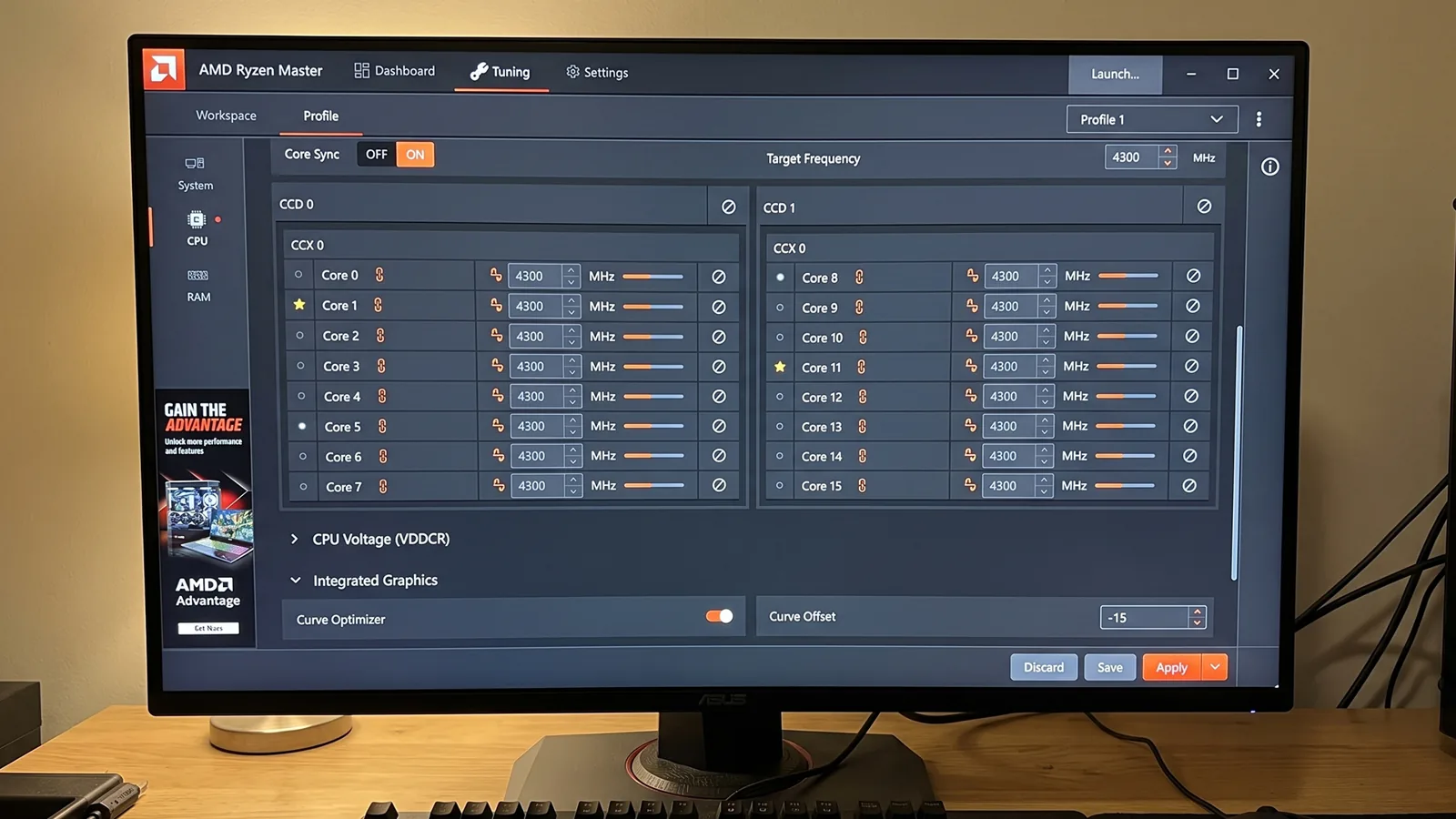
Side-by-side comparison
| Ryzen Master | BIOS | |
|---|---|---|
| Interface | Windows app | Firmware menus |
| Live monitoring | Yes | Limited |
| Quick experiments | Easy | Requires reboots |
| Applies at boot | Depends on setting | Yes |
| Software needed | Yes | No |
| Risk of out-of-spec operation | Same | Same |
The biggest mistake: using both for the same setting
If you enable PBO in BIOS and adjust PBO in Ryzen Master, it becomes difficult to know which values are actually active. This makes troubleshooting confusing.
Rule: choose one place per feature and stick with it.
A popular workflow
Many enthusiasts:
- Experiment in Ryzen Master, using live monitoring
- Find stable values through testing
- Enter the final values in BIOS for a clean, boot-level configuration
- Return Ryzen Master to monitoring only
This combines Ryzen Master’s convenience with BIOS’s permanence.
Which is safer?
Neither. Both can operate the processor beyond official specifications. Safety comes from small changes, good cooling, thorough testing and knowing how to reset.
Summary
Ryzen Master is great for exploring and monitoring; BIOS is great for final, firmware-level configuration. Use one place per setting and you’ll avoid most conflicts.
Frequently asked questions
Is tuning in BIOS safer than Ryzen Master?
Neither is safer. Both can operate the processor beyond official specifications.
Can I use Ryzen Master and BIOS together?
Yes, but use one place per setting. Configuring the same feature in both makes troubleshooting confusing.
What is a good workflow?
Experiment in Ryzen Master with live monitoring, then enter final tested values in BIOS and use Ryzen Master for monitoring.