Ryzen Master shows a lot of numbers. This guide explains what the common readings mean so you can understand your processor instead of just staring at values.
Temperature
The current CPU temperature, often with a peak value. It’s your most important safety reading. See our temperature monitoring guide.
Clock speed (frequency)
Shown in MHz or GHz. Ryzen processors change frequency constantly:
- At idle, cores slow down to save power.
- Under light loads, one or two cores may boost to high speeds.
- Under heavy all-core loads, clocks are usually lower than single-core peaks because power and heat are shared.
Seeing clocks jump around is completely normal.
Per-core information
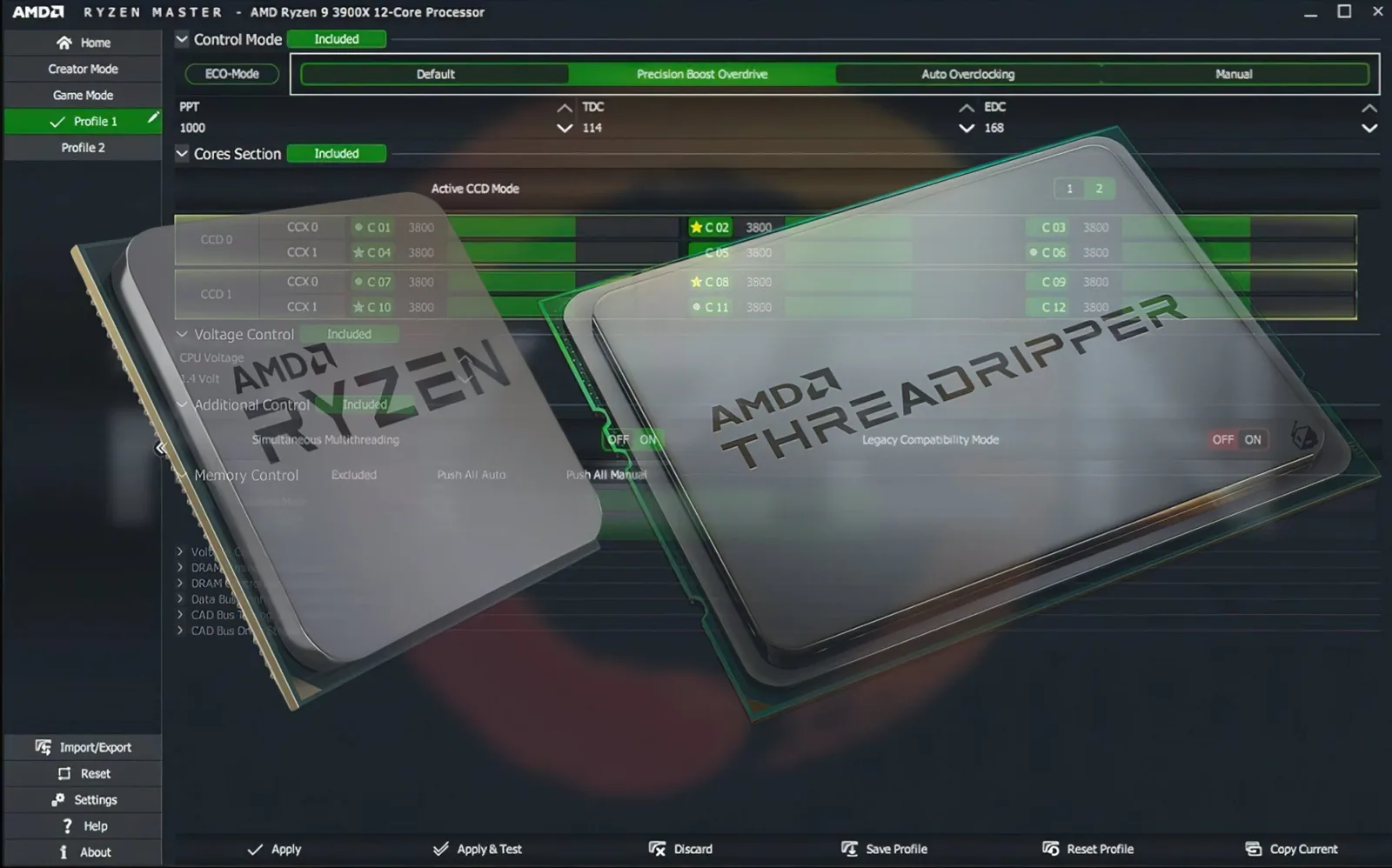
Ryzen Master can show each core separately. You’ll often notice that some cores boost higher than others. That’s because individual cores have slightly different characteristics, and the processor prefers its best cores for light tasks.
Voltage
The voltage supplied to the processor. Voltage naturally rises when the CPU boosts and falls at idle. Higher voltage generally means more heat. Don’t panic about brief peaks — focus on behavior under sustained load and on temperatures.
Power consumption
How much power the processor is using. It rises with workload. Comparing power before and after a tuning change tells you how much extra energy (and heat) a setting costs.
Power and current limits
Ryzen processors work within limits that control how much power and current they can use. You may see these described as:
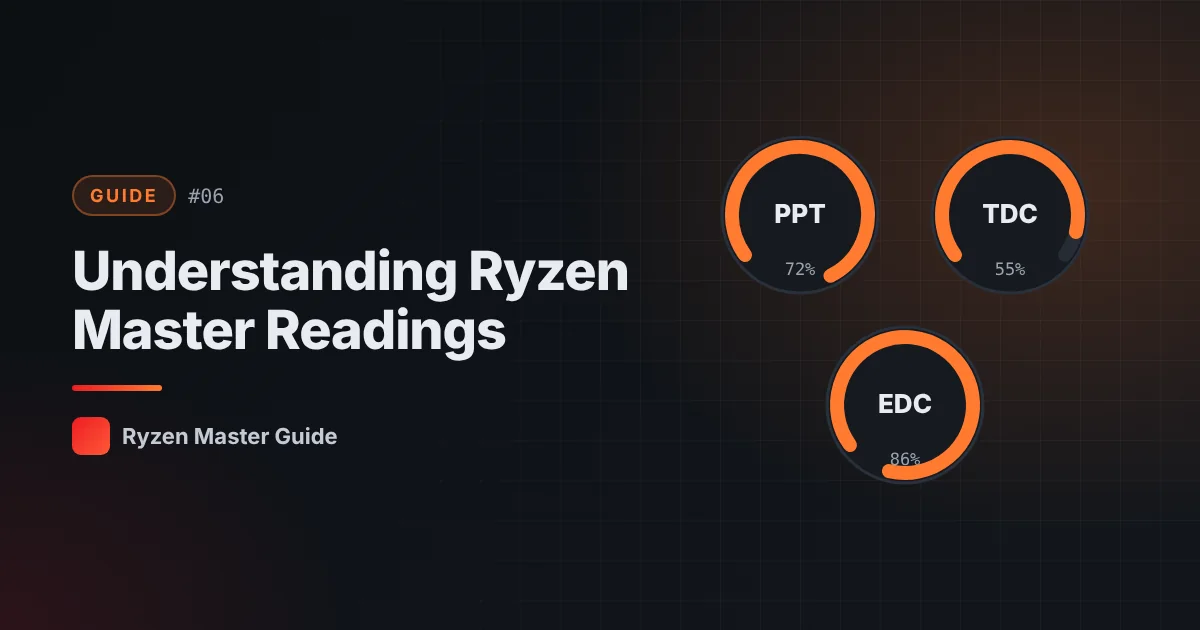
- PPT (Package Power Tracking): a limit on the power the processor package can draw
- TDC (Thermal Design Current): a limit on sustained current
- EDC (Electrical Design Current): a limit on short-term peak current
When the processor approaches one of these limits, it may hold back boost. Precision Boost Overdrive works by adjusting these limits on supported systems — see our PBO guide.
Core activity / usage
Shows which cores are busy. Games often load a handful of cores heavily, while rendering or compiling loads all of them.
How to use readings together
Readings make sense in combination. For example:
- High clock + reasonable temperature → your system is boosting comfortably
- Clocks dropping + temperature very high → you may be thermally limited; check cooling
- Clocks dropping + a limit at its maximum → the processor is reaching a power or current limit
Build a reading log
Make a simple table each time you test:
| Test | Room temp | Max CPU temp | Typical clock | Power |
|---|---|---|---|---|
| Stock, game | ||||
| Stock, render | ||||
| After change |
This turns guesswork into clear comparisons.
Summary
Temperature, clocks, voltage, power and limits all tell part of the story. Learn your stock values first, and every tuning decision afterwards becomes easier.
Frequently asked questions
What do PPT, TDC and EDC mean?
They are limits the processor works within: PPT relates to package power, TDC to sustained current and EDC to short-term peak current.
Why do my clock speeds change constantly?
Ryzen processors adjust frequency continuously based on workload, power, current and temperature. Fluctuating clocks are normal.
Why do some cores boost higher than others?
Individual cores have slightly different characteristics, and the processor prefers its best cores for lighter workloads.