Every tuning change — PBO, Curve Optimizer, overclocking or memory — should be followed by stability testing. Supported Ryzen Master versions include stress-testing functionality, and other tools can help too.
Why stress testing matters
An unstable system might look fine at first, then:
- Crash during a game
- Corrupt a file you’re saving
- Reboot randomly at idle
- Produce wrong results in calculations
Stress testing helps catch obvious problems early.
The limits of stress testing
Passing a short test does not guarantee complete stability. Different workloads stress the processor and memory in different ways. A good routine combines several kinds of tests.
A practical testing routine
1. Built-in stress test
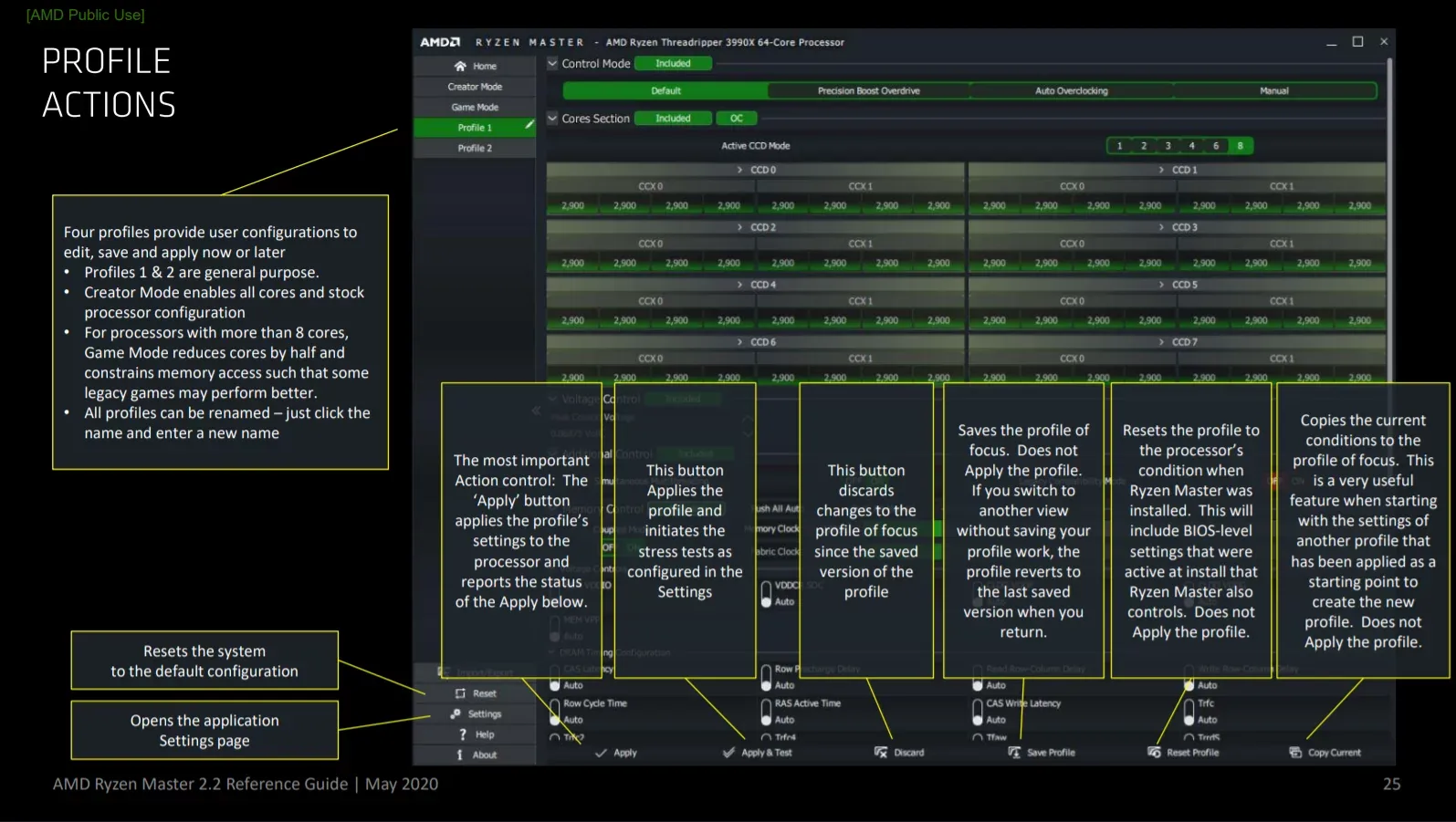
Use Ryzen Master’s stress-testing feature (where supported) right after applying a change. It’s a quick first check.
2. Heavy all-core load
Run a demanding multi-core workload such as rendering or a CPU benchmark loop. Watch temperature throughout.
3. Light and varied loads
This is the step people skip. Some instability — especially from Curve Optimizer — appears under light loads or at idle. Browse, watch videos, and leave the PC idle.
4. Your real workloads
Play your usual games and use your real applications for several days.
5. Memory testing
If you changed memory settings, use a dedicated memory test.
What to watch for
- Crashes, freezes or reboots
- Error messages in apps or Windows
- Benchmark scores that vary oddly between runs
- Temperatures far above your baseline
If a test fails
- Stop the test.
- Return to your last known stable settings.
- Make a smaller change, or a different change, and test again.
- Write down what failed.
Monitor temperature during every test
Keep Ryzen Master’s monitoring visible. If temperatures become excessive, stop and restore defaults. See our temperature guide.
Summary
Stress testing is the safety net of CPU tuning. Combine a quick built-in test, heavy loads, light loads, real-world use and memory tests — and remember that one passed test is a starting point, not proof.
Frequently asked questions
Does passing a stress test mean my PC is fully stable?
No. Passing a short test does not guarantee stability in every application or workload.
Why test light loads and idle?
Some instability, especially from Curve Optimizer, appears only under light loads or at idle.
What should I do if a stress test fails?
Stop the test, return to your last stable settings, and try a smaller or different change.