Before installing Ryzen Master, it’s worth spending two minutes checking compatibility. Many “Ryzen Master isn’t working” problems are actually compatibility problems.
The short version
You generally need:
- A compatible AMD Ryzen or Ryzen Threadripper desktop processor
- A supported motherboard chipset
- Windows 10 or Windows 11, 64-bit
- A compatible BIOS version
- Administrator permissions
- Adequate cooling and stable power delivery if you plan to tune
You do not need a dedicated gaming graphics card just to use Ryzen Master’s monitoring and CPU controls.
Processor support
Supported families
- Compatible Ryzen desktop processors across multiple generations, including Ryzen 5000, 7000 and 9000 Series desktop chips
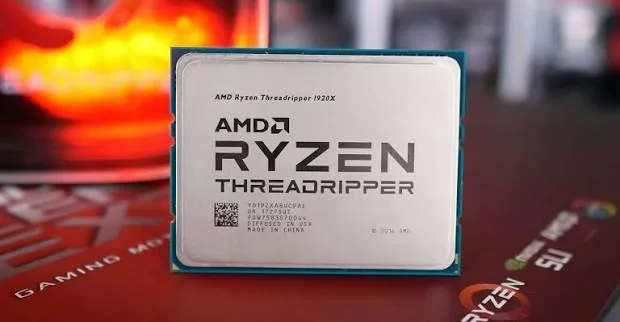
- Compatible Ryzen Threadripper processors
- Selected Ryzen Threadripper PRO workstation processors
Not every model offers every feature. Some processors support full overclocking, others only partial controls or monitoring.
Not supported
- Intel processors
- Most Ryzen laptop processors for overclocking
- Many pre-built OEM systems that lock tuning
Operating system
AMD’s Ryzen Master 3.1.0 documentation lists Windows 10 64-bit and Windows 11 64-bit. There is no 32-bit version and no official native Linux or macOS version.
Motherboard, chipset and BIOS
Your motherboard matters as much as your CPU:
- The chipset decides which tuning features are allowed.
- The BIOS version affects support for newer processors and features.
- Some boards or OEM systems lock overclocking completely.
Updating to a stable BIOS from your motherboard maker often solves detection problems. Follow your motherboard’s instructions carefully when updating.
OEM and pre-built PCs
Pre-built desktops from big brands sometimes use custom motherboards with restricted firmware. Ryzen Master may install and show monitoring data, but tuning options may be greyed out. This is a hardware or firmware restriction — Windows settings cannot unlock it.
Cooling and power
These aren’t software requirements, but they matter for tuning:
- Cooling: Features like PBO can increase heat. A stock cooler may be fine for monitoring but limiting for tuning.
- Power supply: A quality power supply keeps the system stable under heavier loads.
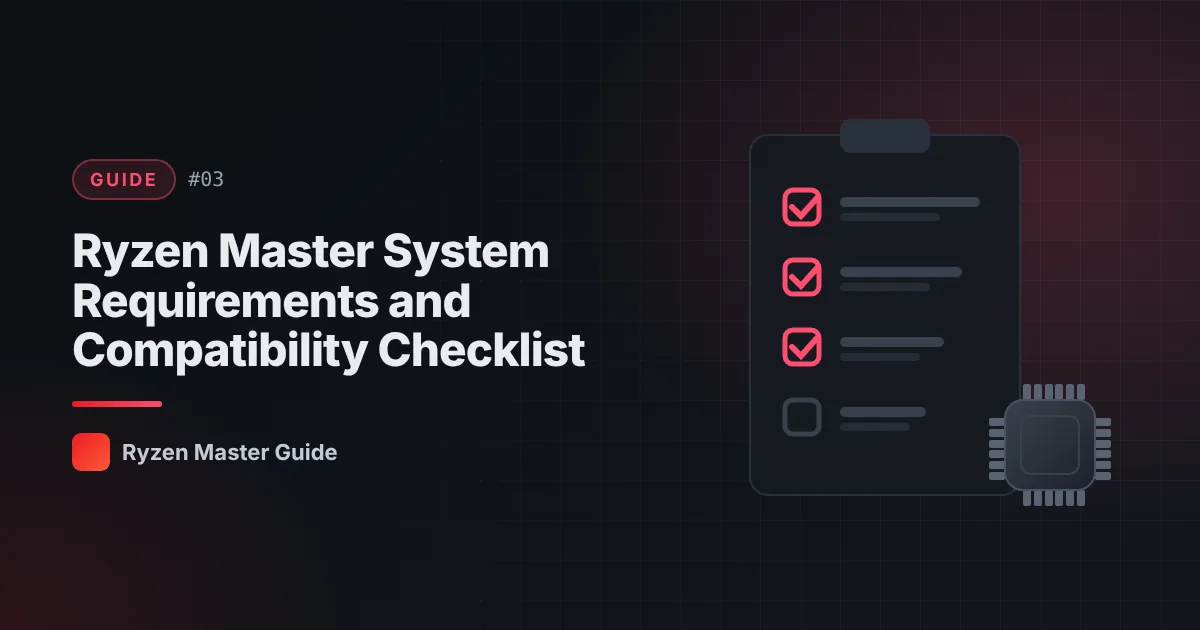
Compatibility checklist
Tick each one before you install:
- My CPU is an AMD Ryzen or Threadripper desktop chip
- I’m on Windows 10 or 11, 64-bit
- My BIOS is reasonably up to date
- My PC is not an OEM system with locked firmware (or I accept monitoring only)
- I have admin rights
- My cooling is adequate for any tuning I plan
What if only monitoring works?
That’s normal on some systems. Monitoring alone is still useful — you can track temperatures and see how your processor behaves. For details, see Ryzen Master overclocking disabled.
Summary
Compatibility comes down to CPU, chipset, BIOS, Windows version and any manufacturer restrictions. Check these first and you’ll avoid most installation headaches.
Frequently asked questions
Which Windows versions does Ryzen Master support?
AMD’s Ryzen Master 3.1.0 documentation lists Windows 10 64-bit and Windows 11 64-bit.
Do I need a graphics card to use Ryzen Master?
No. A dedicated gaming graphics card is not required to access Ryzen Master’s CPU monitoring and configuration interface.
Why can I see monitoring but not overclocking options?
Some processors, chipsets and OEM systems allow monitoring but restrict tuning. This is a hardware or firmware limitation that Windows settings cannot unlock.