Installing Ryzen Master takes only a few minutes, but doing it the right way protects you from fake installers and compatibility problems. Follow these steps in order.
Before you start: quick checklist
Make sure you have:
- An AMD Ryzen or Ryzen Threadripper desktop processor
- Windows 10 or Windows 11, 64-bit
- A reasonably up-to-date motherboard BIOS
- Administrator rights on your PC
- A backup of important files (good habit before any tuning)
If you are on a laptop, read our laptop and Linux support guide first.
Step 1: Go to AMD’s official website
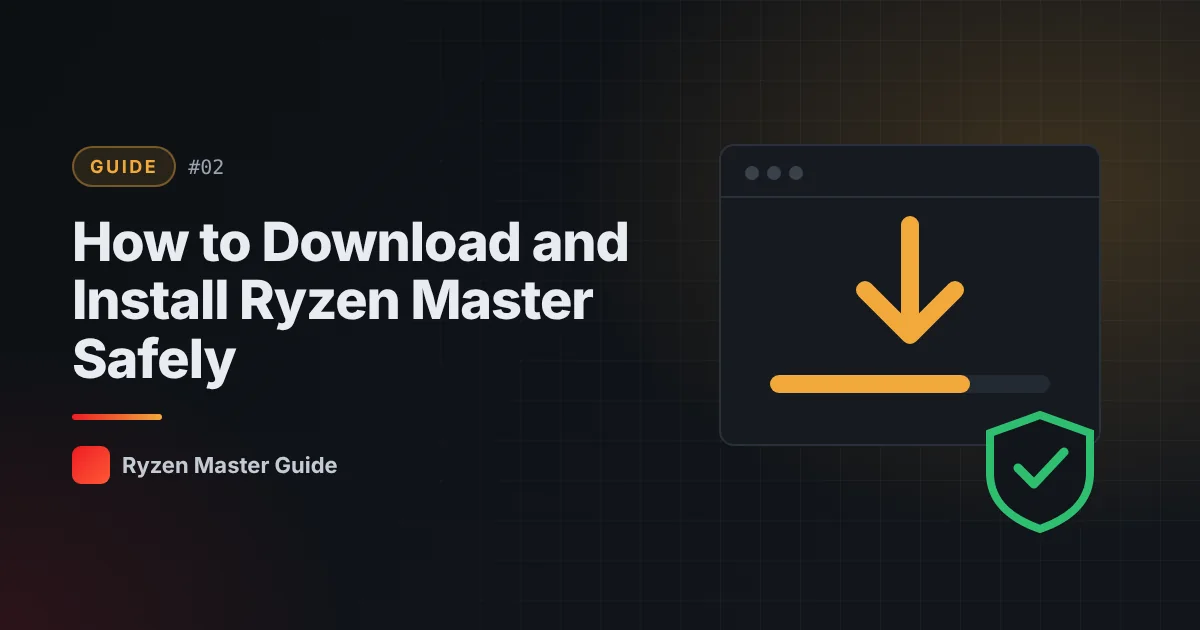
Open your browser and go to AMD’s official Ryzen Master page on amd.com. Do not use download mirrors, file-sharing sites, or pages promising “unlocked” or “pro” editions. Ryzen Master is free, so there is no reason to get it anywhere else.
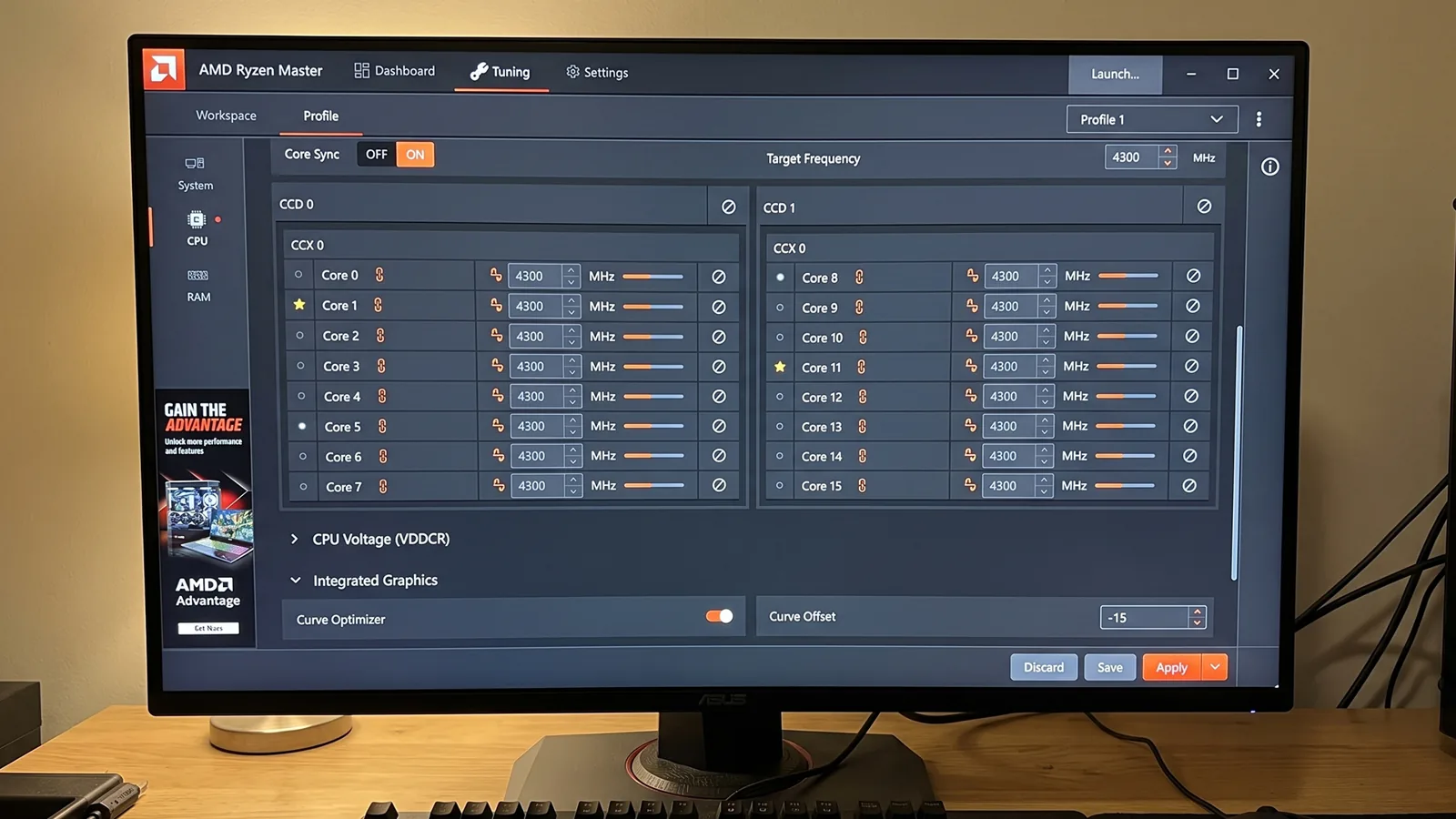
Step 2: Confirm your processor is supported
Read the supported processors information on AMD’s page. Compatibility depends on processor generation, chipset and platform.
Step 3: Download the installer
Download the latest official installer for your system. Save it somewhere easy to find, such as your Downloads folder.
Step 4: Run the installer
- Double-click the downloaded file.
- If Windows asks for permission, allow it — the installer needs administrator rights.
- Read the software license agreement.
- Read the overclocking risk notice carefully. It explains that operating your CPU outside specifications can carry risks.
- Follow the on-screen instructions to finish.
Step 5: Restart if asked
Some installations require a restart before the application can communicate properly with your hardware. Save your work and restart.
Step 6: Open Ryzen Master
Launch Ryzen Master from the Start menu. The first screen may show a warning or disclaimer — read it, then continue to the main interface.
Step 7: Look, don’t touch (yet)
Spend a few minutes reviewing the monitoring readings: temperature, clock speeds, voltage and power. Do not change any settings until you know your normal values. See our guide on monitoring CPU temperature.
How to spot a fake installer
Be careful if a website:
- Asks you to pay for Ryzen Master
- Offers a “cracked”, “unlocked” or “mod” version
- Wants you to disable antivirus to install it
- Bundles it inside a ZIP with other programs
Any of these are red flags. Delete the file and download from amd.com.
Updating Ryzen Master later
When AMD releases a new version, download it from the same official page. Newer versions often add support for new processors and fix bugs. Keep your BIOS and chipset drivers updated too.
Uninstalling
You can remove Ryzen Master like any other Windows program through Settings → Apps. Uninstalling the app does not necessarily undo every change applied to your hardware, so return settings to default before you uninstall. Our guide on resetting Ryzen Master to default explains how.
Summary
Download only from AMD, check compatibility, read the risk notice, restart if asked, and start with monitoring. That’s all it takes to install Ryzen Master safely.
Frequently asked questions
Where is the safest place to download Ryzen Master?
Only from AMD’s official website. Avoid mirrors, file-sharing sites and pages offering ‘unlocked’ or paid versions.
Does Ryzen Master need a restart after installation?
Sometimes. Some installations require a restart before the application can communicate properly with your hardware.
Will uninstalling Ryzen Master undo my tuning?
Not necessarily. Return your settings to default before uninstalling so you know your processor is back at stock behaviour.