Ryzen Master problems usually come down to compatibility, firmware or installation issues. Work through the section that matches your problem.
Ryzen Master won’t open
- Confirm your processor and Windows version are supported — see our compatibility checklist.
- Restart Windows and try again.
- Close other hardware monitoring or tuning tools that might conflict.
- Reinstall the latest official version from AMD’s website.
- Check AMD’s current support instructions.
Avoid disabling Windows security features without understanding the consequences.
Installation failed
- Make sure you downloaded the official installer from AMD
- Confirm you’re on 64-bit Windows 10 or 11
- Remove any old or broken installation, restart, and install again
- Run the installer with administrator permissions
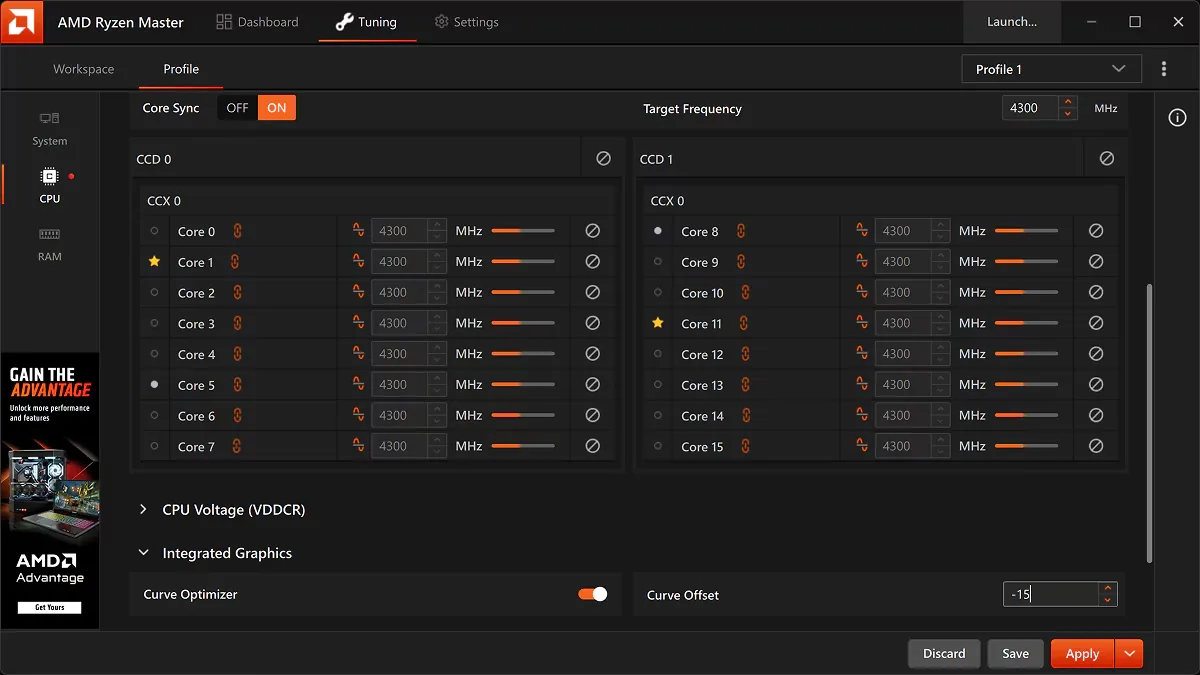
Ryzen Master doesn’t detect the CPU
- Confirm your exact processor model is supported
- Update to a stable BIOS version from your motherboard maker
- Update chipset drivers
- Understand that some OEM systems restrict access
Overclocking is disabled or greyed out
This is usually not a bug. Some systems allow monitoring but not tuning because of:
- Processor limitations
- Chipset restrictions
- Manufacturer (OEM) configuration
- Laptop platforms
Changing Windows settings won’t unlock unsupported functionality.
Settings don’t apply
- Some changes require a restart
- The option may not be supported by your processor or motherboard
- A BIOS setting may be overriding it — check for conflicts
- Avoid applying several aggressive changes at once
PC crashes after overclocking
Return to known stable settings. If Windows won’t start, use BIOS recovery. Full steps are in our reset guide.
Temperatures look too high
Check cooler mounting, fans and dust, then compare with your baseline. See our cooling guide.
Still stuck?
- Note your exact processor, motherboard, BIOS version and Windows version
- Note the Ryzen Master version
- Describe exactly when the problem happens
This information makes it much easier to get help from AMD support or your motherboard maker.
Summary
Most Ryzen Master problems are solved by confirming compatibility, updating BIOS and chipset drivers, reinstalling the official version, and avoiding BIOS/software conflicts.
Frequently asked questions
Why does Ryzen Master not open?
Common causes include unsupported hardware, outdated BIOS, Windows compatibility issues, conflicting tools or a damaged installation.
Why are overclocking options greyed out?
Processor limitations, chipset restrictions, OEM configuration or a laptop platform can disable tuning.
Will reinstalling Ryzen Master help?
Often. Remove the old installation, restart, and install the latest official version from AMD.