Compatible Ryzen Master versions and platforms include selected memory-tuning controls. Memory settings can affect performance, but they’re also one of the easiest ways to make a system unstable.
What memory options may be available
Depending on your processor generation and motherboard, you may see:
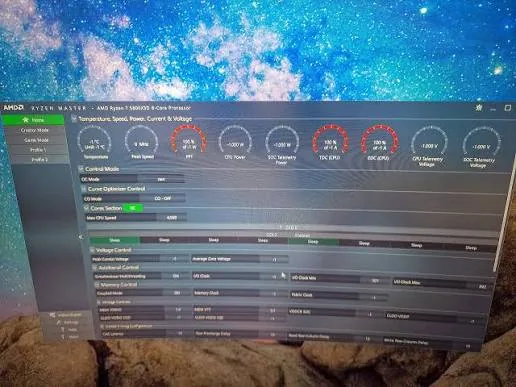
- Memory frequency related settings
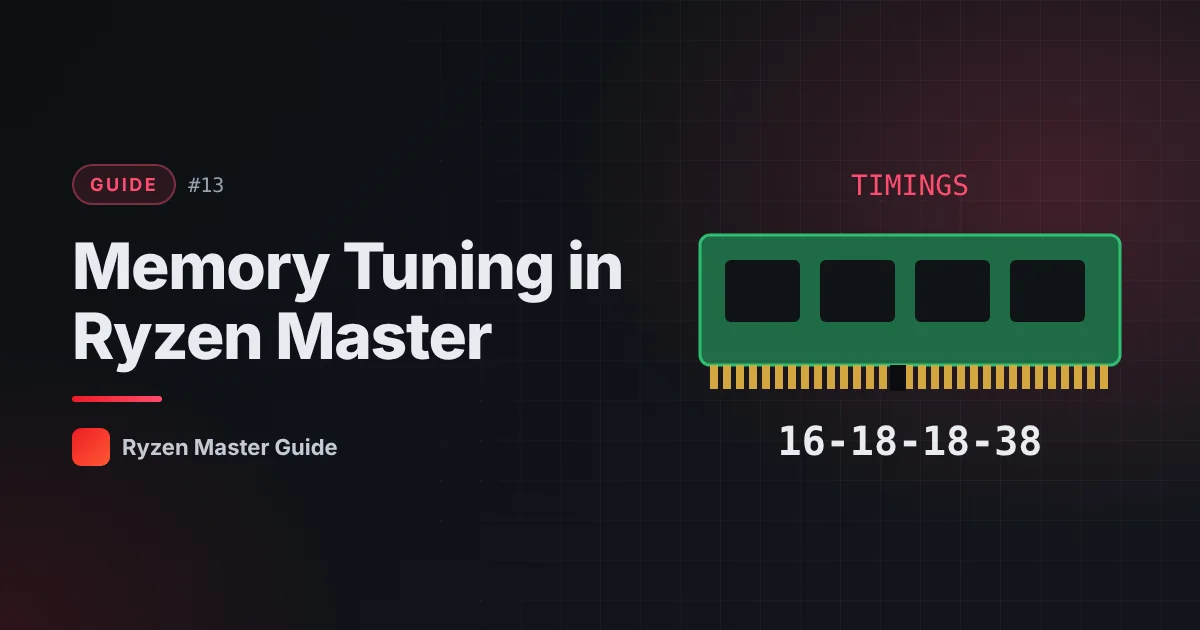
- Timings (how many cycles the memory waits for different operations)
- Supported memory performance profiles
Availability varies significantly between platforms.
Memory profiles vs manual tuning
Most memory kits are designed to run at rated speeds using a profile your motherboard can apply (commonly in BIOS). For most users, enabling the kit’s rated profile in BIOS is the simplest and best-supported approach.
Manual timing tuning is an advanced hobby that requires a lot of testing.
Why memory tuning is risky
Incorrect memory settings can cause:
- Boot failures — the PC may not start
- Application crashes
- Data corruption — the most serious risk, because errors may go unnoticed
This is why a backup of important files is essential before any memory changes.
Safe habits
- Back up important data first.
- Change one value at a time.
- Use a dedicated memory test after each change, not just a CPU stress test.
- Test for a long time — memory errors can be rare and intermittent.
- Keep notes of every setting.
- Know how to recover — usually by clearing BIOS settings as described in your motherboard manual.
Ryzen Master or BIOS for memory?
For memory, many users prefer the BIOS because memory settings are often applied during boot. Whichever you choose, don’t set the same memory option in both places. See Ryzen Master vs BIOS.
Is memory tuning worth it?
Some workloads and games are sensitive to memory performance; others barely change. Measure before and after in your real workloads to judge whether it’s worth the effort and risk.
Summary
Memory tuning can help performance but carries real risks, including data corruption. Back up first, change one value at a time, and test thoroughly with memory-specific tools.
Frequently asked questions
Can wrong memory settings corrupt data?
Yes. Incorrect memory settings can cause boot failures, crashes and data corruption, so back up important files first.
Should I tune memory in BIOS or Ryzen Master?
Many users prefer the BIOS for memory settings. Whichever you choose, avoid setting the same option in both places.
How should I test memory changes?
Use a dedicated memory test after each change and test for a long time, because memory errors can be rare.