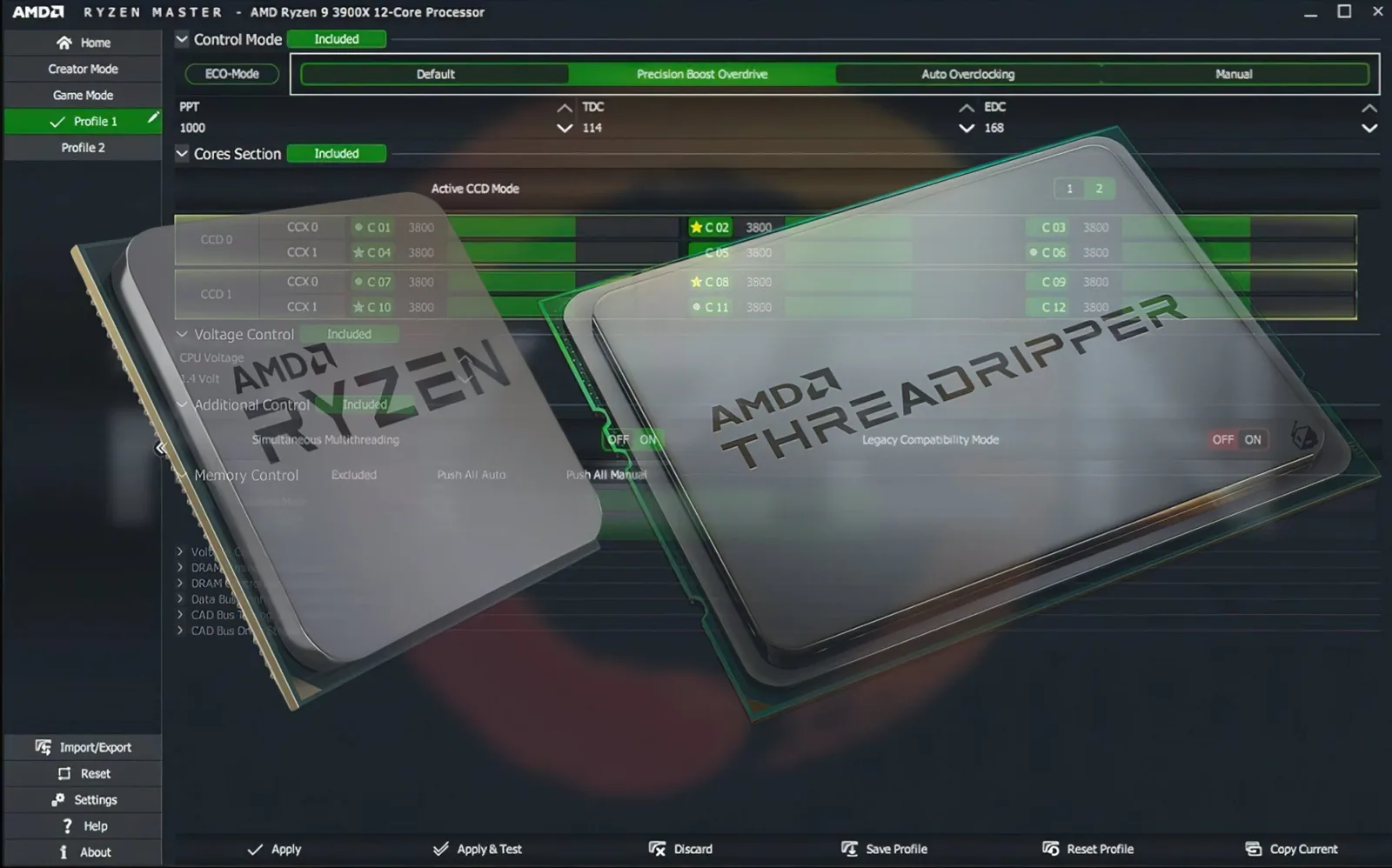
Selected Ryzen Master versions and compatible hardware offer automatic overclocking options. They’re designed to reduce manual work — but “automatic” doesn’t mean “guaranteed”.
What automatic overclocking does
Instead of you setting values by hand, Ryzen Master applies predefined tuning configurations on supported systems. This can simplify the process for users who don’t want to adjust each parameter.
What it doesn’t guarantee
- No guaranteed performance improvement. Some systems see gains, others see little change.
- No guaranteed stability. Every processor, motherboard and cooler combination is different.
- No protection from heat. Automatic tuning can still raise temperatures.
How to use it responsibly
- Record a baseline at stock: temperatures, clocks and a benchmark score.
- Apply the automatic option and restart if required.
- Monitor temperatures during heavy use.
- Stress test for stability — see our stress testing guide.
- Benchmark again using the same test.
- Compare performance, heat and noise against your baseline.
Signs it isn’t working well for your system
- Crashes or reboots after applying
- Temperatures much higher than your baseline
- No measurable performance gain
- Louder fans with no real benefit
In any of these cases, return to default settings.
Automatic vs manual vs PBO
| Option | Effort | Control | Typical use |
|---|---|---|---|
| Automatic | Low | Low | Quick experimentation |
| PBO | Medium | Medium | Sustained boost on supported systems |
| Manual | High | High | Experienced tuners |
Who should try it?
Automatic overclocking can be a reasonable starting point for users who:
- Understand the risks
- Have adequate cooling
- Are willing to test afterwards
- Know how to return to defaults
Summary
Automatic overclocking simplifies tuning but doesn’t remove the need for monitoring and testing. Always judge it by your own before-and-after measurements.
Frequently asked questions
Does automatic overclocking guarantee more performance?
No. Some systems see gains and others see little change. Always measure before and after.
Do I still need to stress test after automatic overclocking?
Yes. Automatic tuning does not guarantee stability on every processor, motherboard and cooler combination.
What should I do if automatic overclocking makes my PC unstable?
Return to default settings and check your cooling and BIOS configuration.